
How to Recover Deleted WhatsApp Messages Without UnDel APK
Accidentally deleted an important WhatsApp message? Before installing a third-party recovery app, you can try several methods already available on your Android phone. Learning how to recover deleted WhatsApp messages without UnDel APK can help you check an existing chat backup, review Android Notification History, or restore a previous conversation when a suitable backup is available.
However, not every deleted message can be recovered. Your options depend on when the message was deleted, whether a backup exists, and whether your phone saved a notification containing the message preview.
Can You Recover Deleted WhatsApp Messages Without UnDel APK?
Yes, in some situations. The most useful methods are restoring a WhatsApp backup, checking Android Notification History, and examining an existing local backup when available.
- WhatsApp backup: May restore conversations included in a backup created before the message was deleted.
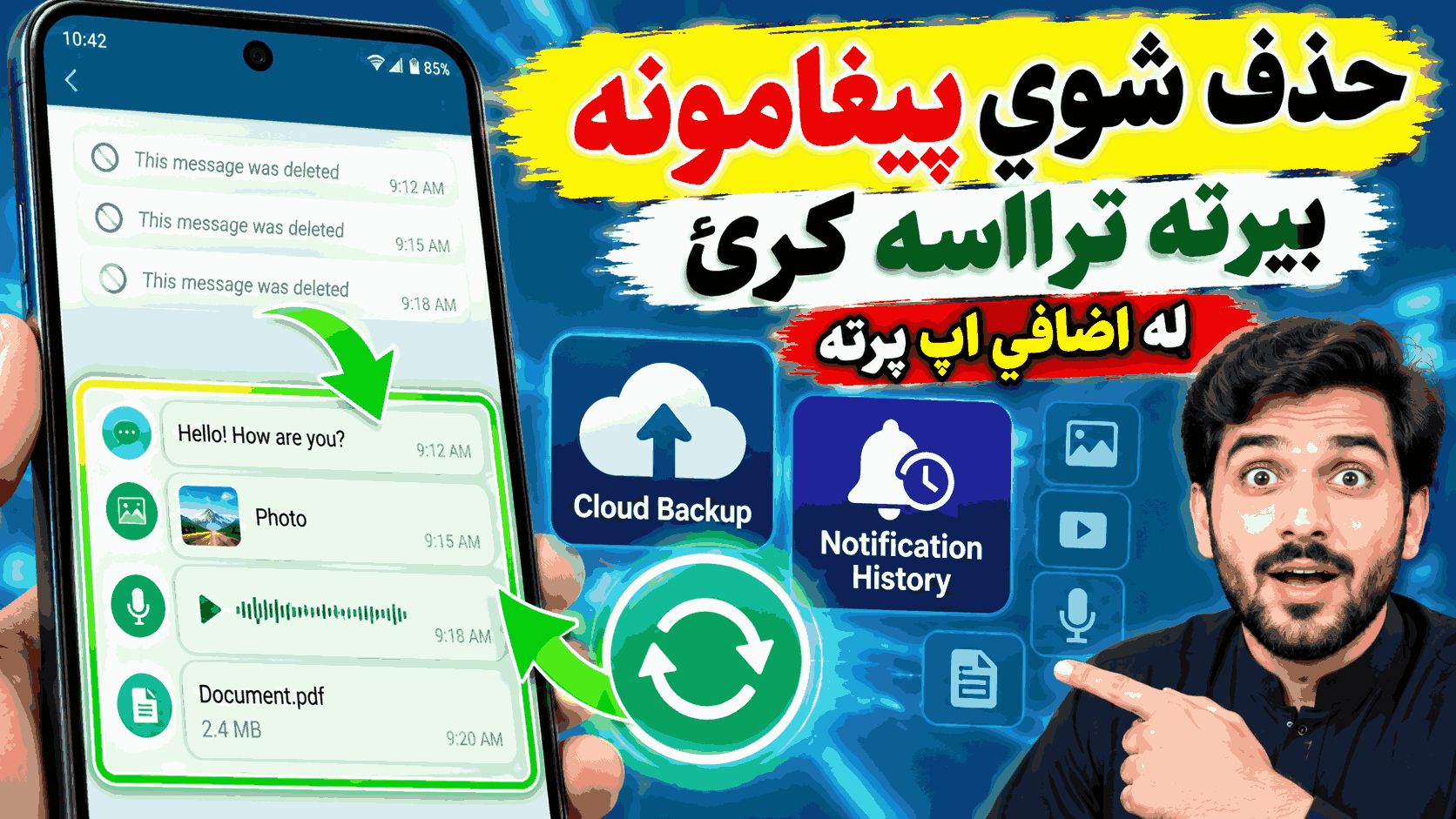
- Android Notification History: May show message previews that appeared in notifications and were recorded by your phone.
- Existing local backup: May help on some Android devices if a suitable backup file is still available.
These methods work differently. A chat backup may restore actual conversation history, while Notification History generally shows notification information rather than restoring a message to WhatsApp.
Method 1: Recover Deleted WhatsApp Messages Using Google Drive Backup
If you enabled WhatsApp chat backups before deleting a conversation, your Google Account backup may contain the missing messages. The backup must include the conversation from a time before deletion.
Step 1: Check Your WhatsApp Backup
If WhatsApp is still installed and working, open the app and follow this path:
WhatsApp > Settings > Chats > Chat backup
Check the last backup date and the Google Account associated with the backup. Compare the backup date with the time when you deleted the messages.
Step 2: Decide Whether the Backup Can Help
If the last successful backup was created before the deletion, the missing conversation may be included. If the backup was created after the deletion, the deleted messages may no longer be present in that backup.
Important: Creating another backup can overwrite the existing Google Account backup. Do not start a new backup simply to try recovery if the existing backup may contain the messages you need.
Step 3: Restore the Backup
When a suitable backup is available, the general restoration process is:
- Confirm the Google Account and phone number associated with the backup.
- Make sure you understand which recent messages could be missing after restoration.
- Follow WhatsApp’s official restore procedure, which normally involves reinstalling the app and verifying your phone number.
- When WhatsApp offers to restore the available backup, choose Restore.
- Wait for the restoration process to finish before checking your conversations.
Restoring an older backup can replace your current chat history with the history contained in that backup. Protect important recent conversations before proceeding, and do not assume that restoring a backup will merge all old and new messages.
Official guide: How to restore your WhatsApp chat history.
Method 2: Check Android Notification History
Android Notification History can be useful if a deleted WhatsApp message appeared as a notification on your phone. On supported devices, it can show recently dismissed notifications and other notification history.
This method does not restore the conversation inside WhatsApp. It may only help you read a previously recorded notification preview.
How to Check Notification History
- Open Settings on your Android phone.
- Tap Notifications.
- Look for Notification History.
- If the feature is available and was enabled in time, open it.
- Look for a WhatsApp notification containing the message you want to read.
The exact menu names depend on your phone manufacturer and Android version. Some devices do not offer this feature. If notification history was not enabled before the message arrived, the earlier notification may not be available.
Notification previews can also be incomplete if WhatsApp or Android hides message content for privacy reasons.
Official guide: Control notifications on Android.
Method 3: Check for an Existing Local WhatsApp Backup
Some Android WhatsApp installations maintain local chat backup files on the device. Depending on the app version, device configuration, and available files, a local backup may provide another recovery option.
Steps to Follow
- Open your phone’s file manager.
- Look for the WhatsApp folder and its Databases directory, if accessible.
- Check whether existing local backup files are present.
- Before changing any files, copy the available backup files to a safe location.
- Confirm the correct restoration procedure for your current WhatsApp version before attempting to restore a local backup.
Local backup locations and file names can vary. Modern Android storage restrictions may also affect access. Do not rename, move, or delete files unless you understand the restoration process. An incorrect change can make existing chat data harder to recover.
A local backup only helps if it contains the missing conversation. It is not a guaranteed way to retrieve every deleted message.
Method 4: Ask the Sender to Share the Message Again
If the message was deleted only from your side or the sender still has the original content, asking the sender to share it again may be the simplest solution.
The sender may be able to resend the text, forward the message, or share the original photo, video, document, or voice note. This method does not require a recovery app or an older backup.
If the sender used WhatsApp’s Delete for Everyone feature, do not assume the message can be retrieved from WhatsApp’s servers. Your ability to recover a copy depends on what was already saved on your device or included in a backup.
Which WhatsApp Recovery Method Should You Try First?
| Method | Best For | Main Limitation |
|---|---|---|
| Google Account backup | Restoring an older chat history | Requires a suitable backup |
| Notification History | Reading a previously recorded message preview | Does not restore the chat |
| Local backup | Recovering conversations from an available local copy | Depends on backup files and device configuration |
| Ask the sender | Getting a message or media file again | Depends on the sender having the original |
Can You Recover Deleted WhatsApp Photos and Videos?
Recovering media depends on whether the photo or video was downloaded, saved to your phone, or included in a backup before deletion.
- Check your Gallery or Photos app for media that was saved outside WhatsApp.
- Look in relevant device folders using your file manager, if accessible.
- Check whether a suitable WhatsApp backup includes the media.
- Ask the sender to share the original file again if possible.
Notification History normally cannot reconstruct an original full-resolution photo or video from a simple message preview. Avoid recovery tools that promise to restore every deleted media file without explaining their limitations.
Why WhatsApp Messages May Not Be Recoverable
Sometimes, recovery is not possible. Common reasons include:
- No backup exists from before the message was deleted.
- The available backup was created after deletion.
- Notification History was not enabled in time.
- The notification contained only part of the message.
- The original media was never downloaded or saved.
- A local backup file is missing, damaged, or unsuitable for restoration.
WhatsApp explains that it cannot restore your chat history for you because your chat history is not stored on its servers. Recovery generally depends on backups or copies available on your own devices.
Privacy and Safety Tips
You do not need to install an unknown APK just to begin checking your recovery options. Start with WhatsApp’s built-in backup settings and Android’s available notification features.
- Use official app stores and trusted support documentation.
- Never share your WhatsApp verification code with another person.
- Review the permissions requested by any recovery application.
- Protect backup passwords and encryption keys.
- Keep a regular backup schedule so future message loss is less likely.
How to Prevent Losing WhatsApp Messages Again
The best protection is to create backups before you need them.
- Open WhatsApp and go to Settings > Chats > Chat backup.
- Choose your Google Account, if using Google Account backups.
- Select a backup frequency that suits you.
- Review whether videos should be included.
- Check the last successful backup date periodically.
- Consider enabling end-to-end encrypted backups and safely storing the required password or key.
Backup settings, storage availability, and the options shown may vary. Remember that creating a new Google Account backup generally replaces the previous backup for that WhatsApp account, so make sure your important data is protected before changing backup settings.
Official guide: How to back up your WhatsApp chat history.
Frequently Asked Questions
1. Can I recover deleted WhatsApp messages without UnDel APK?
Yes, if a suitable WhatsApp backup exists, Android recorded the notification, or another copy of the message is available. Recovery is not guaranteed.
2. Can I recover deleted WhatsApp messages without any backup?
You may be able to read a previously recorded notification preview or find media saved elsewhere. Without a backup or saved copy, the original message may not be recoverable.
3. Does Android Notification History recover the full chat?
No. It shows available notification information. It does not restore deleted conversations to WhatsApp.
4. Will restoring a WhatsApp backup delete newer messages?
Restoring an older backup can replace the current chat history with the older version. Protect recent conversations before attempting restoration.
5. Can I recover messages deleted several days ago?
Possibly, if an appropriate backup contains them. Notification History availability varies by device and settings, so older notifications may no longer be accessible.
6. Can I recover deleted WhatsApp photos and videos?
Possibly, if the media was saved on your phone or included in an available backup. Notification previews alone generally cannot restore the original media file.
7. Is UnDel APK necessary for WhatsApp message recovery?
No. You can first check your WhatsApp backup, Android Notification History, local backup files, and any copies held by the sender.
8. Can WhatsApp support recover my deleted chats?
WhatsApp says it cannot restore chat history for users because that history is not stored on its servers. You generally need a suitable backup or another saved copy.
Conclusion
You can try several ways to recover deleted WhatsApp messages without UnDel APK. Start by checking your existing WhatsApp backup, then look at Android Notification History if your phone supports it. An existing local backup or a copy from the sender may also help.
Always check the backup date before restoring anything, because an older backup may not contain your latest messages. If no backup or saved copy exists, recovery may not be possible. Going forward, regular backups are the most reliable way to protect important conversations.